4b. 10 PRINT
Description
Using a nested for loop, create the below sketch, often referred to as 10 PRINT:
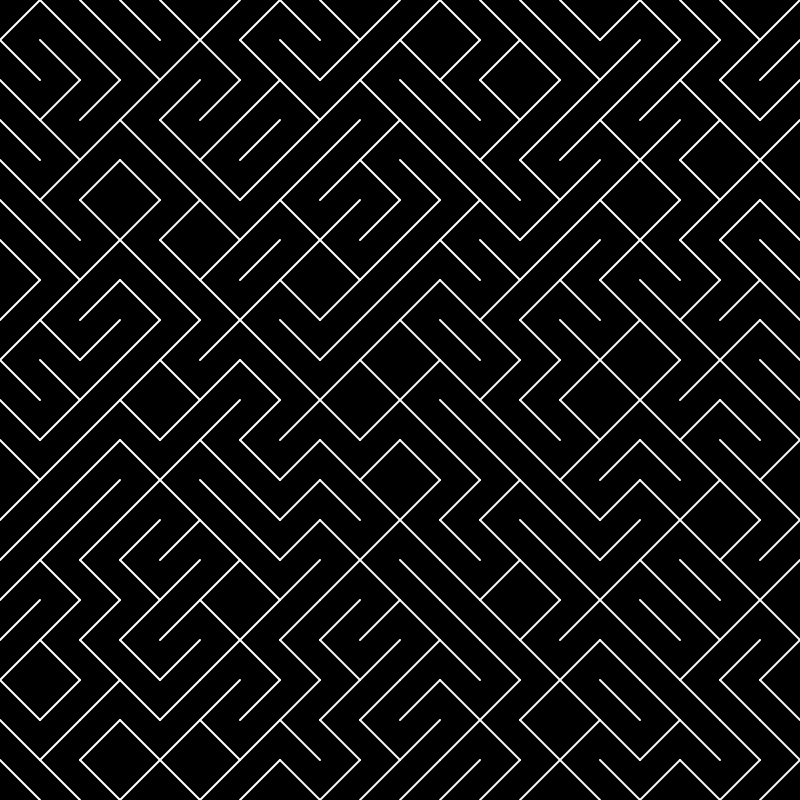
10 PRINT is most often associated with the BASIC programming language, where it could be written with a single line of code: 10 PRINT CHR$(205.5+RND(1)); : GOTO 10
Click here to learn more about the history of 10 PRINT.
Getting Started
For this exercise you will need to use a nested loop.
Start by using a nested loop to draw small diagonal lines across your canvas. Keep in mind the line() function requires you to have two points. Think about about you would draw a line inside a square at each row and column position.
As a hint: it is best to use a variable for the space in between your line segments:

Lines with random stroke color to show that this sketch is made up of small lines:
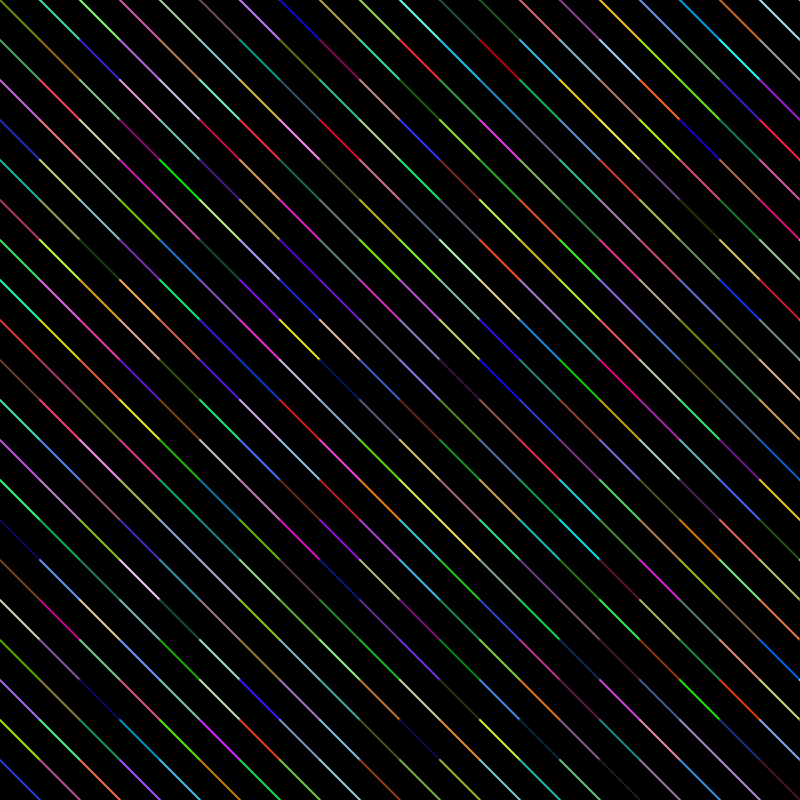
Next, figure out how to get the lines to be drawn in the opposite direction:

Finally, figure out how to get each segment of this line to draw randomly in one of the two possible directions. Importantly, to prevent this sketch from randomizing on every draw() loop, you can use the function noLoop() (Reference) at the end of your sketch to prevent the sketch from looping: